


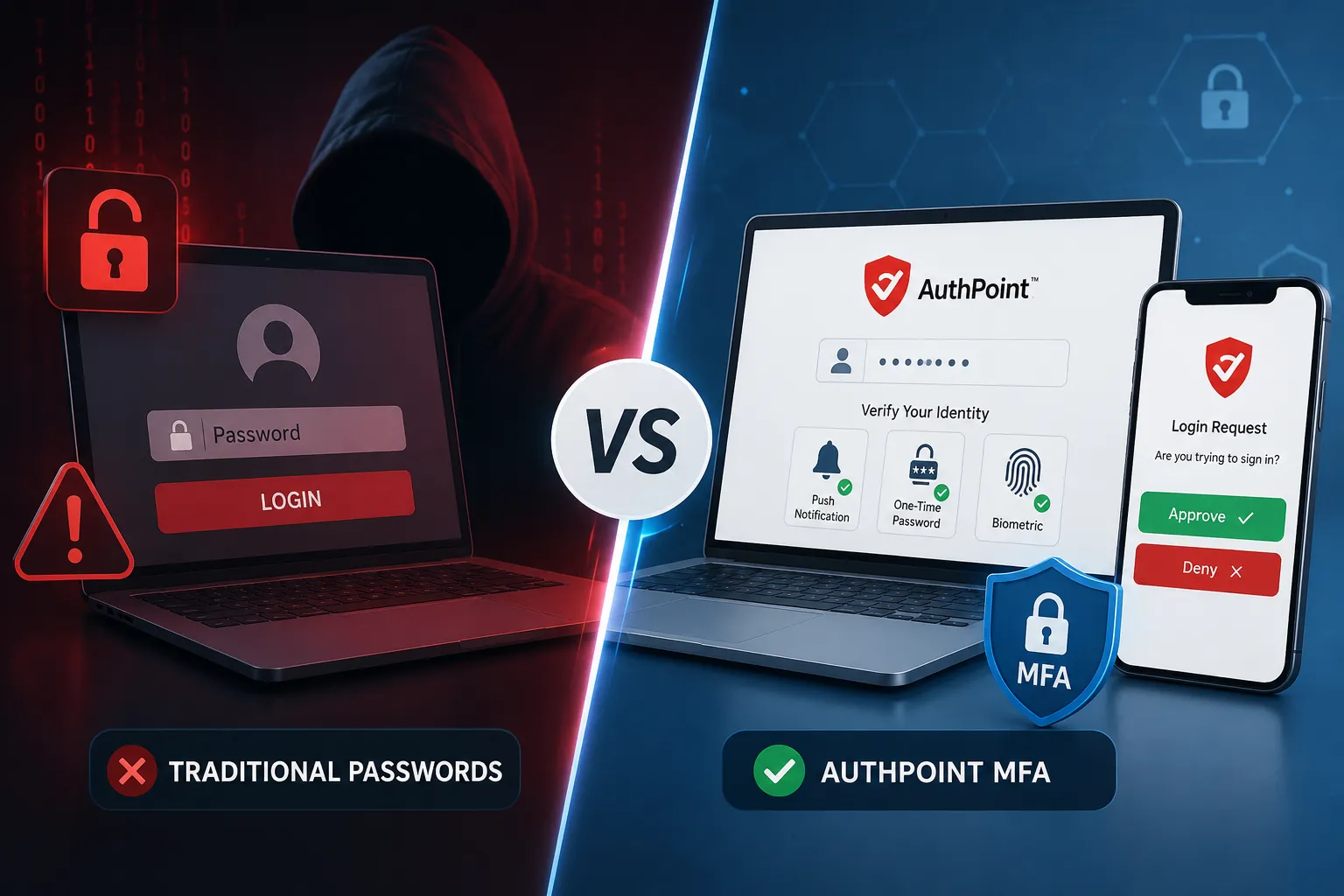
Why Passwords Alone Are No Longer Enough
In today’s digital landscape, cyberattacks are becoming increasingly sophisticated, and compromised passwords remain one of the leading causes of security breaches. Many organizations still rely solely on traditional password-based authentication, leaving critical systems and sensitive data vulnerable to unauthorized access.
To address these challenges, businesses are adopting Multi-Factor Authentication (MFA) solutions such as AuthPoint, implemented and supported by Periscope Technologies, to provide stronger identity protection and enhanced security.
What Are Traditional Passwords?
Traditional authentication relies on a single security factor:
Something You Know
- Username
- Password
- PIN
Once the correct password is entered, access is granted.
Limitations of Password-Only Security
1. Weak Passwords
Users often choose simple passwords that are easy to remember but also easy for attackers to guess.
2. Password Reuse
Many employees use the same password across multiple accounts and applications, increasing security risks.
3. Phishing Attacks
Cybercriminals frequently use deceptive emails and fake websites to steal login credentials.
4. Credential Theft
Passwords can be exposed through:
- Data breaches
- Malware infections
- Keyloggers
- Social engineering attacks
If a password is compromised, attackers can potentially gain immediate access to business systems.
What Is AuthPoint MFA?
AuthPoint MFA is a cloud-based Multi-Factor Authentication solution that helps organizations verify user identities before granting access to systems, applications, and data.
As a cybersecurity solutions provider, Periscope Technologies helps organizations deploy and manage AuthPoint MFA to strengthen access security and reduce the risk of cyber threats.
Instead of relying solely on passwords, AuthPoint requires additional verification methods to confirm a user’s identity.
Authentication Factors Include
Something You Know
- Password
- PIN
Something You Have
- Mobile device
- Authenticator application
- Security token
Something You Are
- Fingerprint
- Facial recognition
- Biometric authentication
Access is granted only after multiple verification factors are successfully validated.
Traditional Passwords vs AuthPoint MFA
| Feature | Traditional Passwords | AuthPoint MFA |
|---|---|---|
| Security Level | Basic | Advanced |
| Protection Against Stolen Passwords | No | Yes |
| Phishing Resistance | Low | High |
| Identity Verification | Single Factor | Multiple Factors |
| Remote Access Security | Limited | Strong |
| Cloud Application Protection | Limited | Comprehensive |
| Account Takeover Risk | High | Significantly Reduced |
| Compliance Readiness | Limited | Improved |
How AuthPoint MFA Works
Step 1: User Enters Credentials
The user enters their username and password.
Step 2: Secondary Verification
AuthPoint sends a verification request to the user’s registered device.
Step 3: User Confirms Identity
Authentication can be completed through:
- Push notification approval
- One-Time Password (OTP)
- QR code scanning
- Biometric verification
Step 4: Secure Access Granted
Only after successful verification is access granted.
Even if a password has been compromised, attackers cannot access the account without the additional authentication factor.
Benefits of AuthPoint MFA
Stronger Security
AuthPoint provides an additional layer of defense against:
- Credential theft
- Brute-force attacks
- Phishing attacks
- Unauthorized account access
Secure Remote Workforce
Protect employees accessing business resources from remote locations and personal devices.
Reduced Risk of Data Breaches
MFA significantly lowers the chances of unauthorized access through stolen credentials.
User-Friendly Experience
AuthPoint offers:
- Mobile push notifications
- Quick authentication processes
- Seamless user experience
Centralized Management
IT teams can:
- Manage user access
- Monitor authentication activity
- Enforce security policies
- Generate security reports
Common Business Use Cases
Organizations use AuthPoint MFA to secure:
- Microsoft 365 accounts
- VPN access
- Cloud applications
- Remote desktop services
- Internal business applications
- Administrative accounts
Why Organizations Are Moving Beyond Passwords
The modern workplace relies heavily on:
- Cloud-based applications
- Remote and hybrid work environments
- Mobile device access
- Third-party integrations
Traditional passwords alone cannot adequately protect these environments. MFA adds a critical layer of identity verification that helps organizations stay protected against evolving cyber threats.
Conclusion
Traditional passwords provide only a single layer of security, making them vulnerable to phishing, credential theft, and unauthorized access. AuthPoint MFA strengthens security by requiring multiple forms of identity verification before granting access.
With support and implementation from Periscope Technologies, organizations can enhance cybersecurity, secure remote access, protect sensitive business data, and significantly reduce the risk of account compromise.
As cyber threats continue to evolve, moving from password-only authentication to Multi-Factor Authentication is no longer just a best practice-it’s a business necessity.

💬Discussion & Notes
Comments powered by Garrul.